
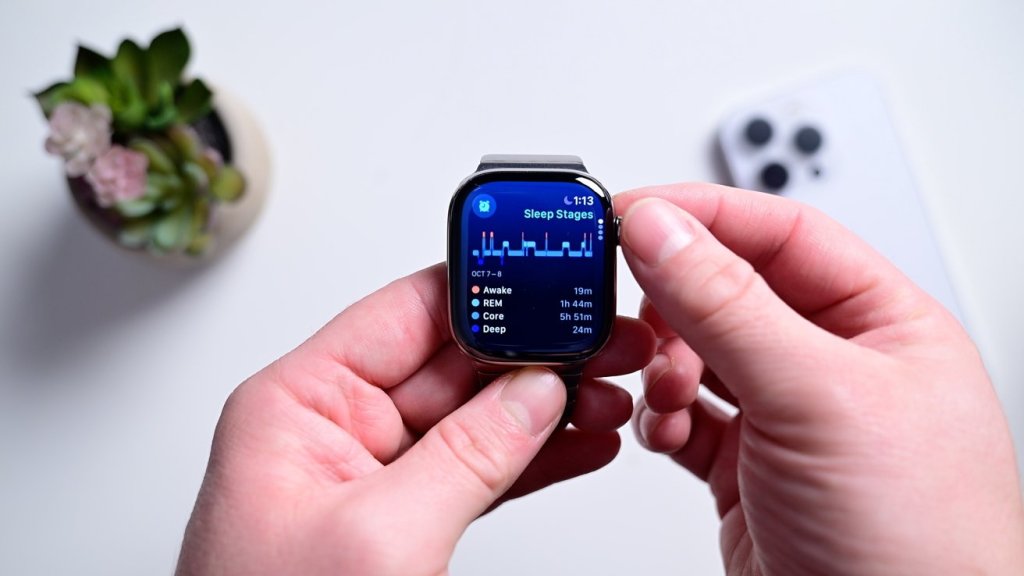
It’s quick and easy to set up sleep apnea detection. It is done from your iPhone.
• Open the Health app on your iPhone
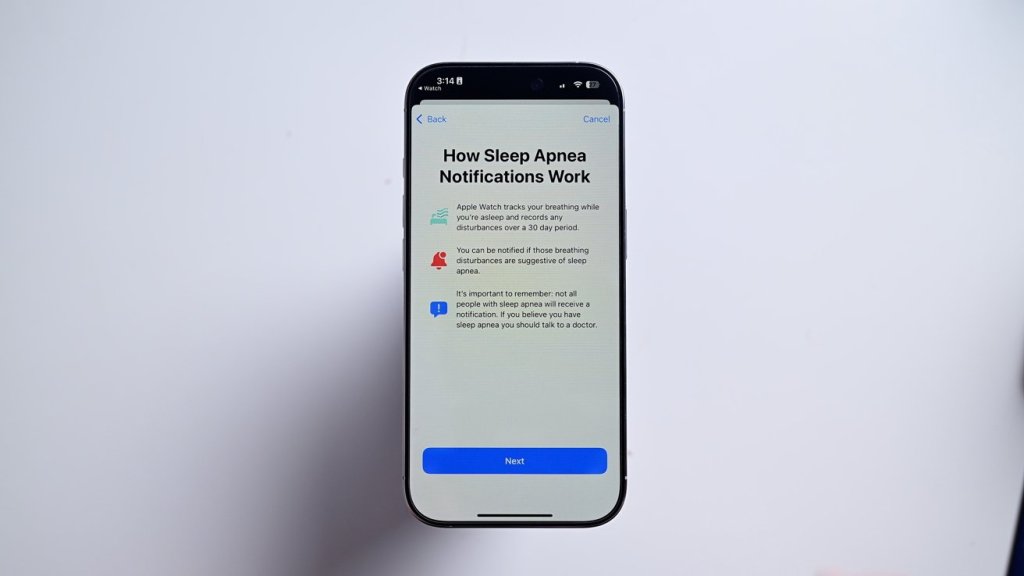
• Go to Browse and search for “breathing disturbances”
• The first time you’ll see a button at the top that says “set up”
• Answer a couple qualifying questions and hit continue
• The app gives you a brief explainer, after which you can hit next
Viewing your sleep apnea results
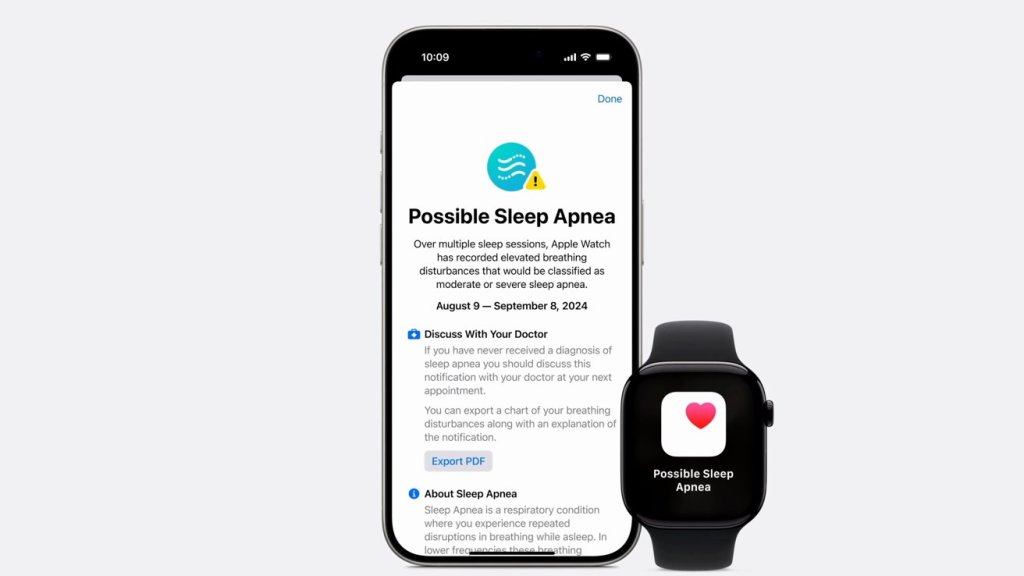
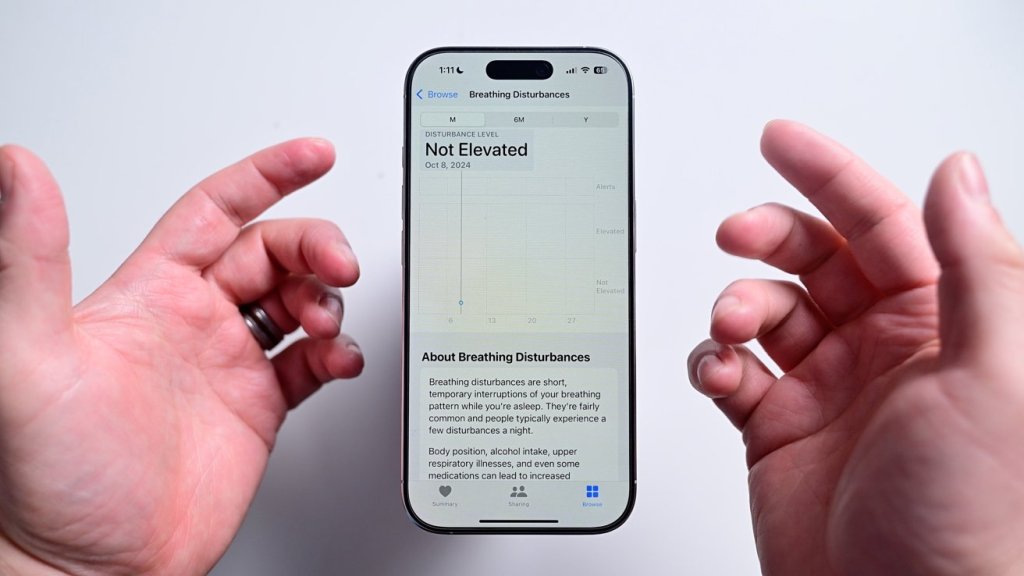
As soon as your first night you’ll see your results reflected in the Health app. If it detects an elevated level of breathing disturbances, it will proactively send you an alert.
If you want to view the data for yourself, you can open the Health app once more and navigate back to breathing disturbances. It will show each night’s results on a graph on a scale from not elevated to elevated. You can view it for each night or over time. To be clear, if a positive detection is triggered, it’s not diagnosing you with anything. The data can be exported and shared with your health care provider where they can make a further diagnosis.
https://appleinsider.com/inside/apple-watch/tips/how-to-detect-sleep-apnea-with-apple-watch
 CNMRI: Neurology, Sleep Medicine, MRI